Ecommerce SEO: managing out-of-stock products and seasonal collections
An out-of-stock product does not always need its page removed. Use a practical decision framework to manage temporary shortages, discontinued products and recurring collections without breaking useful search and purchase journeys.
Redazione Wasabi Marketing Studio ·
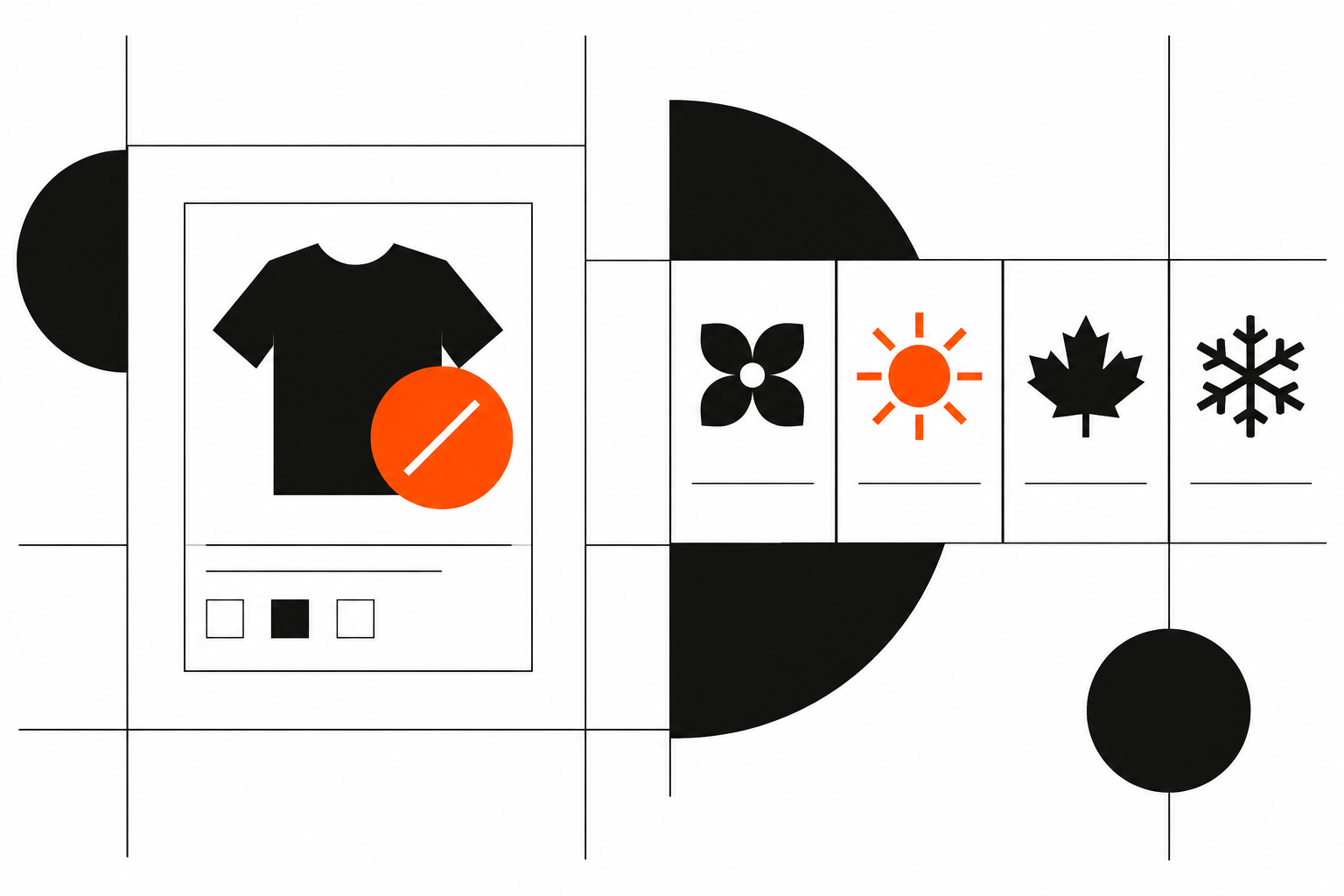
In November, as demand peaks and collections change, ecommerce SEO presents a practical decision: what should happen to pages that cannot currently sell? Deleting them all breaks journeys that may still be useful. Keeping them unchanged leaves shoppers with promises the catalogue cannot fulfil.
The right choice depends on the product’s commercial future, the page’s usefulness and whether a genuinely equivalent destination exists. Stock levels alone cannot tell you what to do: temporary shortages, discontinued models and recurring collections need different rules.
This is not another general catalogue audit. It is an operational framework for keeping, updating, redirecting or removing URLs while aligning content, availability and internal links.
Ecommerce SEO: separate availability from product lifecycle
Stock levels and product lifecycle are different information. An item with no stock might be awaiting replenishment, available to order for later delivery or permanently discontinued. Before changing its page, get a reliable answer from the team responsible for purchasing and the catalogue.
The main situations are:
- Temporary unavailability: the product remains in the range and is expected back, even without a confirmed date.
- Permanent discontinuation: no further stock is planned. A successor may exist, but it is not necessarily equivalent.
- Recurring range: the category or collection returns periodically, although individual products may change.
- Uncertain availability: a commercial decision is still outstanding. This needs investigation, not automatic URL removal.
Consider remaining search demand, organic visits, external links and after-sales uses too. A page may still help people check compatibility, find instructions or identify spare parts after purchasing is no longer possible.
Google’s ecommerce SEO guidance provides a framework for making a catalogue understandable to search engines. Decisions about individual URLs should still start with their commercial and informational role.
Decision table: keep, update, redirect or remove
Use this table as a starting point, not an automated rule. Every example is hypothetical.
| Situation | Hypothetical example | Page action | Useful next step |
|---|---|---|---|
| Temporary shortage, with replenishment expected | A lamp is awaiting new stock | Keep the URL and update availability | Stock notification and suitable alternatives |
| Some variants unavailable | A jacket is available in selected sizes | Keep the page and distinguish variants | Clear selection of purchasable options |
| Discontinued product with an equivalent replacement | A component has a compatible successor | Assess a permanent redirect | Replacement page explaining relevant differences |
| Discontinued product still useful for reference | A device has documentation and compatible accessories | Keep an updated information page | Support, spare parts and relevant products |
| Discontinued product with no remaining use or replacement | A one-off item has no remaining demand or useful content | Remove with an appropriate HTTP status | Helpful error page with navigation and search |
| Recurring collection | A winter decoration range returns each year | Keep a stable URL and refresh content | Information about future availability |
Equivalence needs careful judgement. Similar appearance does not make products interchangeable. If compatibility, function or intended use differs, retaining the original page with suggested alternatives is often clearer than forcing a redirect.
External links indicate value worth considering, but they do not justify sending visitors to an unrelated destination.
When to keep the page: make unavailability useful
For a temporary shortage, keeping the page accessible and indexable is normally the most coherent choice. Lack of stock does not make its content irrelevant and is not, by itself, a reason to exclude it from the index.
The page must change promptly, however. Put the availability message beside the purchase area, not in a hidden note. The purchase button must not accept orders the business cannot fulfil under the stated terms.
Useful information without unreliable promises
If the restocking date is unconfirmed, say so rather than inventing a deadline. If advance orders are accepted, distinguish them clearly from purchases available for immediate dispatch.
A stock notification gives visitors a practical next step. Explain what the person will receive, and do not make a notification request conditional on signing up for promotional messages.
Choose alternatives by function, compatibility and purchasing constraints. In a hypothetical example, someone looking for a cartridge for a particular device needs a compatible replacement, not a generic accessories selection. If none exists, make that clear.
For discontinued products retained as reference pages, state their status near the beginning. Make documentation, accessories and support easy to find. Keeping the URL does not mean preserving a misleading sales page.
When to redirect or remove: avoid shortcuts
A permanent redirect is appropriate when another destination has replaced the original resource and meets substantially the same need. It should not be the default response to every discontinued product.
Before approving it, check that the replacement works in the same context and does not conceal important differences. If the change requires a detailed explanation, an archived product page linking to the new model may be more useful.
Redirecting everything to the homepage or a broad category does not solve the problem. Visitors lose the reference they searched for, and search engines may not consider the destination a relevant replacement.
Removal can be appropriate when a page no longer serves a purpose, has no equivalent replacement and contains no useful information. The server response should indicate that the resource no longer exists, rather than returning a normal successful response with a “product not found” message.
A custom error page can still offer internal search, categories and support. A useful experience does not require disguising the technical status.
After implementation, update internal links to the final destination and remove deleted or redirected URLs from the sitemap. Avoid redirect chains. Do not use a canonical tag as a general way to transfer one product’s value to another: it is not a substitute for a redirect.
Seasonal collections: separate the stable destination from each edition
For a recurring range, the main destination should retain a stable identity. A category serving a seasonal need can remain useful before the next collection becomes available.
Google’s URL structure guidance is a reference for designing understandable, consistent addresses. Operationally, a URL without a year is easier to maintain when the destination needs to serve shoppers each season.
Outside the season, avoid leaving an empty page. Explain the usual availability period, offer lasting selection advice and link to genuinely relevant categories. Do not announce a return as certain if it has not been confirmed.
Pages for individual editions need separate assessment. An archive with documentary value can remain online; an unhelpful duplicate does not need preserving simply because it already exists.
Before relaunching, update the range, copy, images, availability and navigation links. Afterwards, you may reduce promotional visibility without isolating a useful page. It can remain accessible through its parent category or a dedicated section.
Visible availability and structured data must agree
Commercial status must be consistent across the product page, variant selector, basket and structured data. A page showing “out of stock” while its markup declares immediate availability provides contradictory information.
Google’s product structured data documentation describes product and offer properties, including availability. Markup must represent what the page actually offers, not what the business would prefer search results to show.
For a temporarily unavailable offer, check consistent use of OutOfStock. For a permanently discontinued product, assess Discontinued where an offer is still accurately represented. Use PreOrder or BackOrder only when they match the actual ordering conditions.
A page retained solely as an archive should not automatically keep markup describing a purchasable offer that no longer exists. Review prices and terms as well.
For variants, check that the status of one option is not incorrectly applied to the entire product. After updates, check cached copies and synchronisation delays too. Correct markup alone does not guarantee a particular appearance in search results.
From decision to publication: a shared checklist
Applying these rules requires clear ownership. The merchandising or purchasing team confirms commercial status; the SEO lead recommends the URL treatment; development and content teams implement it; the ecommerce lead validates the purchase journey.
Use a short release checklist:
- Confirm whether unavailability is temporary, permanent or still uncertain.
- Record the reason for the decision and who owns the next review.
- Assess remaining usefulness, demand and any equivalent replacement.
- Check the server response, indexability and redirect destinations.
- Align visible messages, buttons, variants and structured data.
- Update internal links, sitemaps and active campaign destinations.
- Test journeys from internal search, category pages and direct visits.
- Monitor errors, stock returning and how visitors use alternatives.
Monitoring should reflect the decision. For a temporarily unavailable page, check whether stock notifications work and alternatives are relevant. For a redirect, verify that its destination remains valid. For a recurring collection, schedule checks before the next seasonal launch.
In our ecommerce SEO work, these rules become catalogue-wide criteria, with documented exceptions and repeatable checks. Where implementation depends on stock feeds, templates or purchasing controls, ecommerce development needs to be part of the same process.
The goal is not to preserve every URL. It is to give each page a role consistent with what the business can actually offer.
Sources
- Google Search Central: ecommerce SEO guidance
- Google Search Central: URL structure best practices
- Google Search Central: product and offer structured data
If stock shortages and seasonal changes are handled case by case across your catalogue, we can help you define consistent, testable rules. Talk to us, starting with the situations causing the most friction for shoppers and your team.